
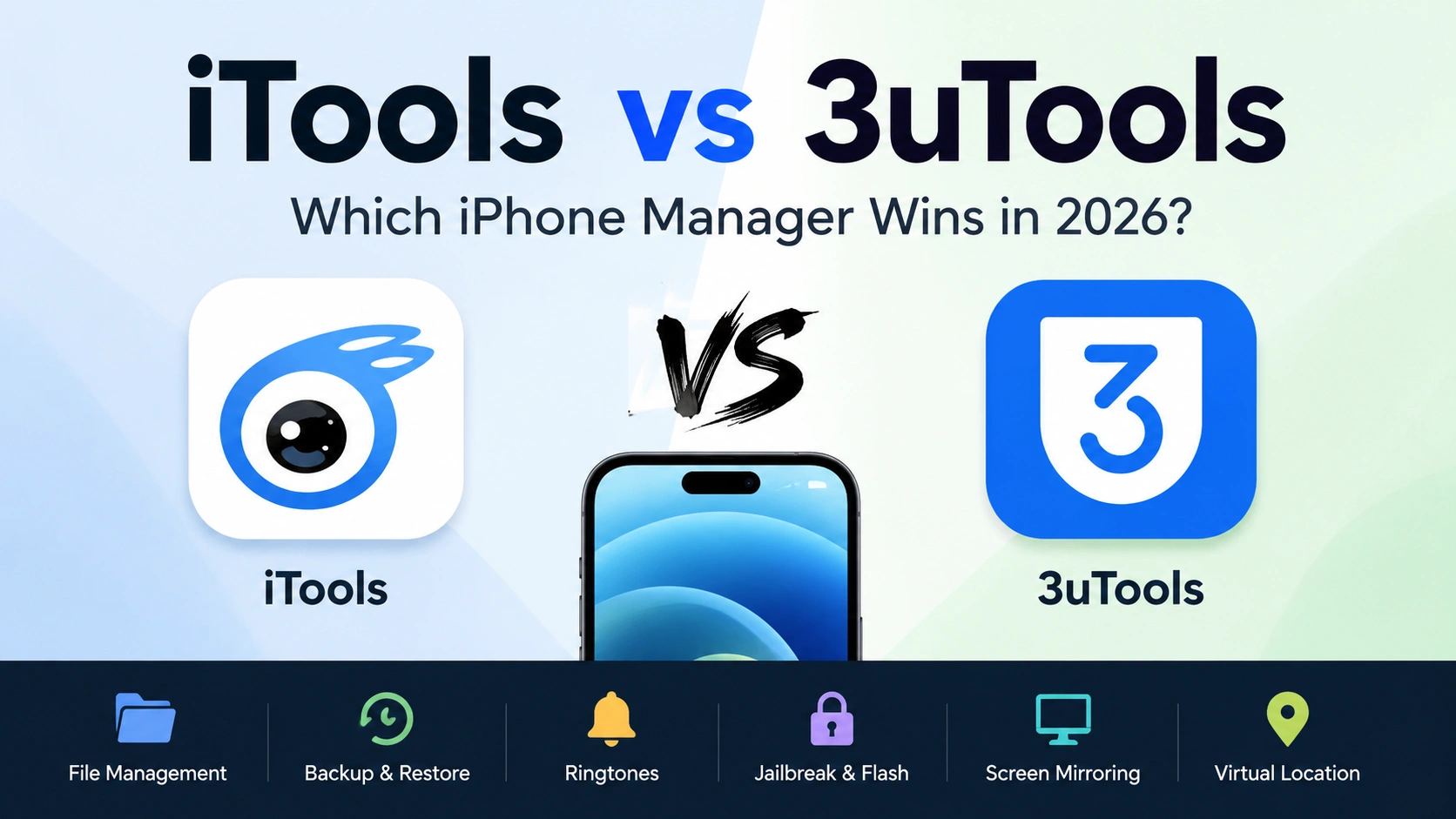
If you’ve landed on this comparison, you’ve probably already hit the same wall I did the first time I needed to manage an iPhone without touching iTunes: there are only a handful of tools that actually do the job well, and iTools and 3uTools are the two names that keep coming up. Short answer: iTools is the better pick if you want a clean, no-jailbreak-required manager that works on both Windows and Mac, while 3uTools is the stronger choice if you specifically need firmware flashing or one-click jailbreak tools and don’t mind a Windows-only, ad-supported interface. Everything past this point is the “why,” based on actually running both side by side.
What iTools and 3uTools Actually Are
Both tools exist for the same basic reason: Apple’s own software (iTunes, or Finder on newer Macs) is slow, restrictive, and not built for power users who want direct access to their device’s files, backups, or media library.
iTools (developed by ThinkSky) has been positioned from the start as an iTunes replacement for everyday device management, file transfers, backups, ringtone creation, and screen mirroring, without requiring your iPhone to be jailbroken.
3uTools takes a different angle. It grew out of the jailbreaking community, and while it’s expanded into general device management, its core identity is still built around firmware flashing, SHSH blob backups, and one-click jailbreak support. If you’ve ever downgraded an iOS version or needed to check a device’s activation lock status before buying it secondhand, there’s a good chance 3uTools is what people recommended.
That difference in origin explains almost every other difference on this page.
iTools vs 3uTools: Feature-by-Feature Comparison
File and Media Management
Both tools let you drag-and-drop photos, videos, and music between your device and computer without touching iTunes. In practice, I’ve found iTools’ file browser slightly more forgiving with large photo libraries, previewing images at full resolution instead of generating low-res thumbnails first, which matters if you’re sorting through a few thousand camera roll photos before a backup.
3uTools handles the same task fine, but its interface leans more toward “control panel for a technician” than “everyday user tool.” You’ll see more system-level info (IMEI, activation status, jailbreak status) surfaced right on the home screen, which is either useful or clutter depending on what you’re there for.
Backup and Restore
Both support full device backups outside of iCloud, which is the number one reason most people search for either tool in the first place; nobody wants to pay Apple for extra iCloud storage just to back up a phone once.
The practical difference shows up in how you can use the backup afterward. iTools lets you browse a backup file and extract individual items (a single contact, one photo album, one conversation thread) instead of forcing an all-or-nothing restore. That’s the feature I’ve reached for most often, recovering one deleted album of photos without wiping the phone’s current state to do it.
Ringtone Making and Media Tools
Both have a ringtone maker that trims a song down to the correct format and length automatically. This is a small feature, but it’s one of the most-searched functions for both tools, probably because Apple removed the easy way to do this natively years ago. Neither tool has a meaningful edge here; they solve the same problem the same way.
Jailbreaking and Firmware Flashing
This is where the two tools genuinely split. 3uTools includes one-click jailbreak support and firmware flashing tools (Easy Flash and more advanced flashing modes), plus baseband and SHSH backup features aimed at people managing older devices or downgrading iOS versions.
iTools does not build its identity around jailbreaking. It’s designed to work whether or not your device is jailbroken, which in practice makes it the safer default for anyone who just wants to manage a normal, unmodified iPhone without accidentally triggering a warranty-voiding process. If your goal is genuinely “manage my iPhone,” not “modify my iPhone’s operating system,” this is the single biggest factor to weigh.
Screen Mirroring (AirPlayer)
iTools includes AirPlayer, a screen-mirroring feature that projects your iPhone’s display onto your computer, useful for screen recordings, presentations, or just controlling your phone from a bigger screen. This isn’t something 3uTools offers as a core feature, so if mirroring matters to you, it’s a point in iTools’ favor by default.
Virtual GPS Location
iTools also includes a virtual location feature that lets you set a custom GPS location for your device, with multiple saved locations and a simple restart to return to your real location. This is a legitimate, commonly used feature for testing location-based apps or managing privacy settings worth knowing about if location-dependent app testing is part of why you’re comparing tools in the first place. 3uTools doesn’t offer an equivalent built-in feature.
Platform Compatibility: Windows, Mac, and Device Support
This is a bigger differentiator than most comparisons mention. iTools runs natively on both Windows and Mac. 3uTools was built primarily for Windows, and while some unofficial Mac builds circulate, official Mac support has historically been limited or inconsistent something worth confirming directly before you download, especially if you’re on Apple Silicon.
On the device side, both tools generally keep pace with new iPhone and iOS releases fairly quickly after launch, including current-generation iPhones and the latest iOS version. Neither tool tends to lag far behind Apple’s release cycle, but I’d always recommend checking the current version’s changelog before connecting a brand-new device, since compatibility with a phone released weeks ago isn’t guaranteed the day it launches.
Pricing: Free vs Paid What You Actually Get
3uTools is entirely free, with no paid tier gating any of its features, including jailbreak and flashing tools.
iTools offers a free version covering the core file management, backup, and media features, plus a Pro version that unlocks additional capabilities for users who want more than the basics. If you only need occasional file transfers or backups, the free tier of either tool will likely cover it. The Pro upgrade becomes worth considering if you’re managing multiple devices regularly or want features beyond basic file and backup management.
Safety and Privacy: What to Know Before You Install Either
Neither tool is widely flagged as malware, and both have large, long-running user bases. That said, safety concerns for this category of software are rarely about the software itself; they’re about where you download it from. Both iTools and 3uTools have been cloned by fake download sites bundling adware or worse, which is a bigger real-world risk than anything in the legitimate applications themselves.
3uTools connects to its own servers to verify devices and pull firmware files, which has led to some ongoing (though inconclusive) discussion about data collection practices. iTools’ core functions are largely local, since most file and backup operations don’t require phoning home the same way firmware verification does.
My practical rule: only ever download either tool from its official site, never a mirror or “download.com”-style aggregator, and skip any site prompting you to disable your antivirus before installing; that’s the actual red flag, regardless of which tool you’re after.
Which One Should You Choose? A Quick Framework
Run through this checklist:
- You want a clean, everyday iPhone manager and use a Mac: iTools; 3uTools’ Mac support isn’t reliable enough to count on.
- You need to jailbreak, flash firmware, or downgrade iOS: 3uTools is its core strength, and iTools isn’t built for it.
- You want screen mirroring or a virtual GPS location feature: iTools is available in 3uTools.
- You want the entire tool free with zero paid tier: 3uTools.
- You’re managing a phone you don’t want to modify at the system level: iTools won’t push you toward jailbreak-adjacent tools by default.
- You’re buying a used iPhone and need to check activation lock/jailbreak status before purchase: 3uTools’ device info panel is built for exactly this.
Most people comparing these two tools fall into the first category: they just want a reliable way to manage files and backups without iTunes, and don’t have any interest in jailbreaking. If that’s you, iTools is the more straightforward fit.
FAQ
Is 3uTools safer than iTools?
Neither has widespread, verified malware reports when downloaded from official sources. 3uTools’ server connections for firmware verification have drawn more privacy questions than iTools’ more locally-run feature set, but “safer” mostly comes down to where you download from, not which tool you pick.
Can I use iTools and 3uTools together?
Yes they don’t conflict with each other, and some users keep both installed, using iTools for daily file/backup management and 3uTools only when they need its flashing or jailbreak tools specifically.
Does iTools work on Mac?
Yes, iTools has native Mac support alongside Windows, which is one of its clearer advantages over 3uTools for Mac users.
Do I need to jailbreak my iPhone to use either tool?
No. Both tools work on standard, non-jailbroken iPhones for their core file management and backup features. Jailbreaking is only relevant if you’re specifically using 3uTools’ flashing/jailbreak tools.
Try iTools for Yourself
If your priority is a straightforward, no-jailbreak-required way to manage backups, photos, ringtones, and screen mirroring across Windows and Mac, download iTools directly from itools4.com and see how it handles your device compared to what you’re using now.
